
Canon canoscan 9000F review by Stockholmviews.com, page 1
Canon 9000F review page2
Jpg output quality, Scangear MP vs Vuescan Vs Silverfas LE (Updated 20101205)
I bet you have understood that I'm a great fan of Vuescan. I will continue to recommend this great Scanning app since I find it to be a great tool when it comes
to the point where you want to maximize the scan quality.
However during my review I have found one weakness with Vuescan. What I have
found is a Jpeg output quality issue that shows like streaks in the image.
This isn't obvious until you sharpen the image during post processing but then it
shows clearly and is quite disturbing.
There is no signs of those streaks if I scan in Vuescan to tiff or raw DNG, not
even after I have opened them up in Photoshop, saved them as jpg (highest quality)
and then reopened this jpg and sharpen the file to the same amount i did when I
discovered the Vuescan/jpeg issue.
Hopefully the Vuescan/jpeg issue will be solved in a future release but until then
I recommend you to use Scangear MP if you intend to scan directly to Jpeg.
Scangear isn't really that bad and produces nice smooth jpeg's and offers great
tools to adjust the scan output but is crippled in regards of not offering any other
output formats than jpeg :0(
Crops below shows the different noise patterns from various scan app's and output types with USM applied.
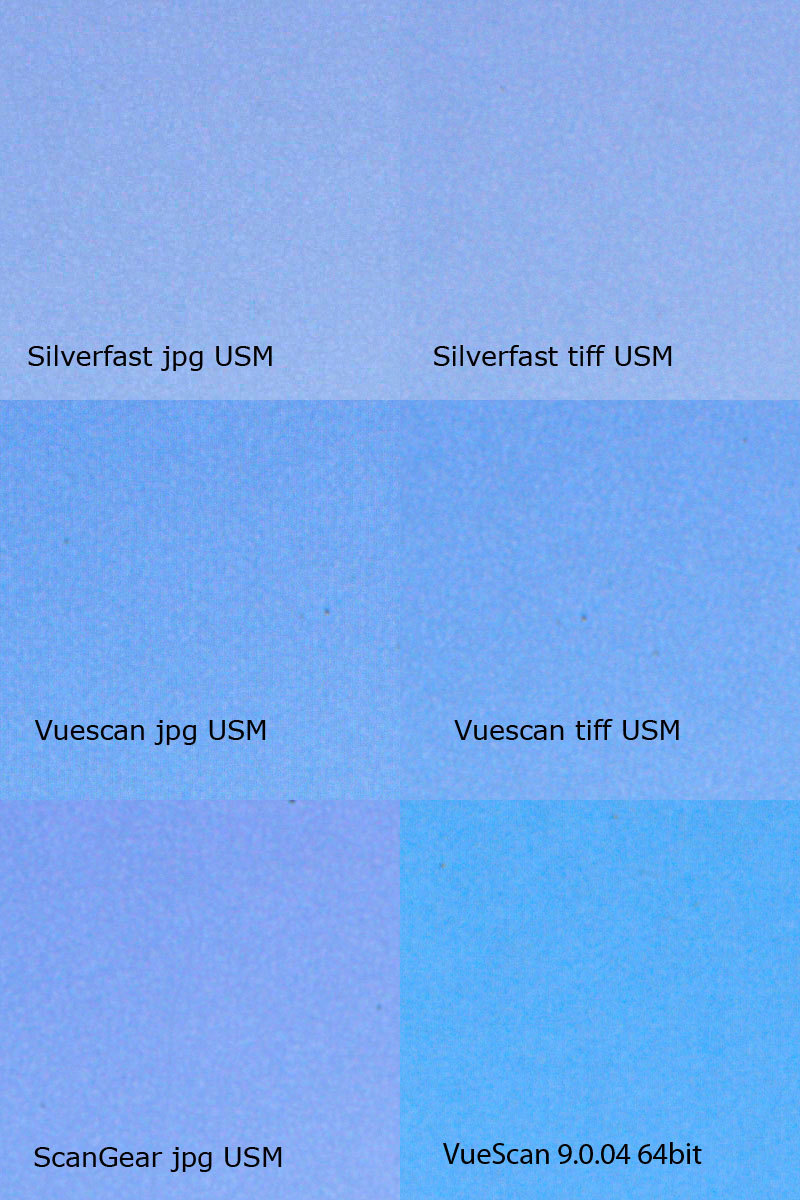
If you have a good screen it will be easy for you to spot the difference between the
five examples of blue sky above. All crops was treated equally and was brought in to
Photoshop as original scanned image, then a crop is taken from each scan and
finally they where stitched together.
The whole image was then sharpened with unsharp masking in Photoshop with the
same setting I have used in several other comparing images. (Amount=400 Radius=2.1 and Threshold=0) and saved as jpg quality very high in Photoshop "save for web".
The "Vuescan Tiff" crop and the "Scangear MP jpg" and the both crops from Silverfast
scans crop shows a similar random noise.
Even if they has a bit different character and the noise of the tiff's from Vuescan and Silverfast is the smoothest as you can see.
The "Vuescan jpg" crop on the other hand shows a stripe pattern that isn't easy
to ignore. The only difference between the crops above is how the scanner software
treats the image output.UPPDATE! Compare the original Vuescan sample above with the sample from the
Vuescan 9.0.04 64bit version sample scan that is a considerable improvement.UPDATE 2: FEB 10 2015 Vuescan 9.4.61 to be able to use multi exposure you will need to use the 32bit driver from Canon and the 32bit version of Vuescan.
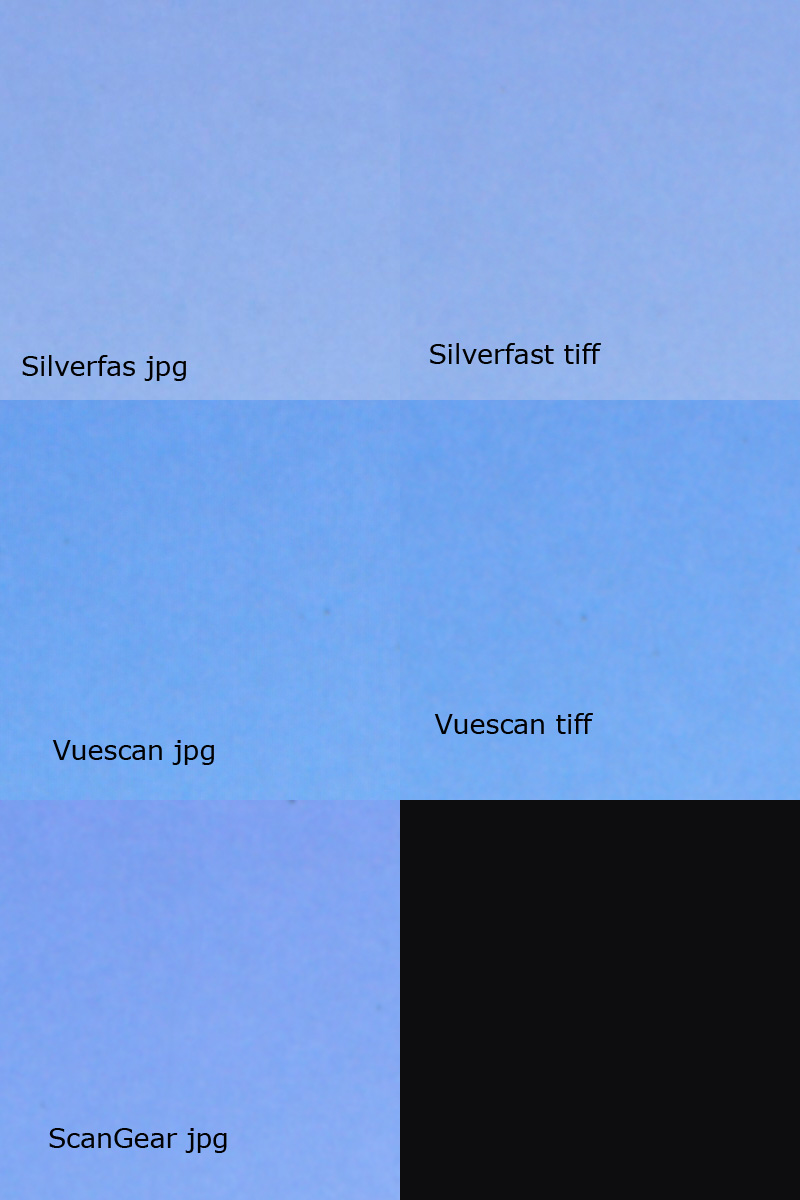
Crops below shows the different noise patterns from various scan app's and output types without USM applied.
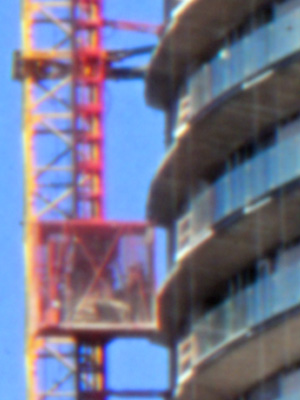
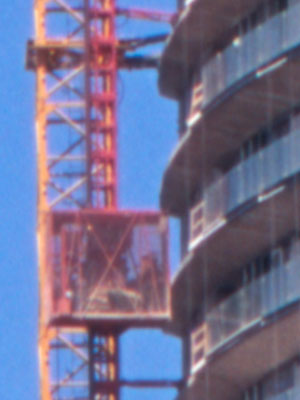
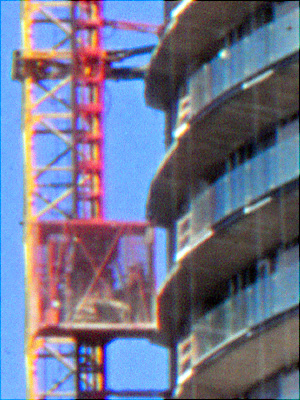
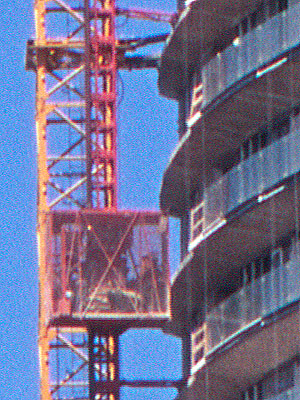
Some crops "Compared to" other scanners
Without sharpening
 |
 |
 |
 |

